
Referral Network
Invite new vendors using your referral link and earn commission when they complete their store setup.
Information
Every partner receives a unique referral code after account approval.
1
Step 1
Copy Your Referral Link
Open the Referral Network page inside your Partner Dashboard.
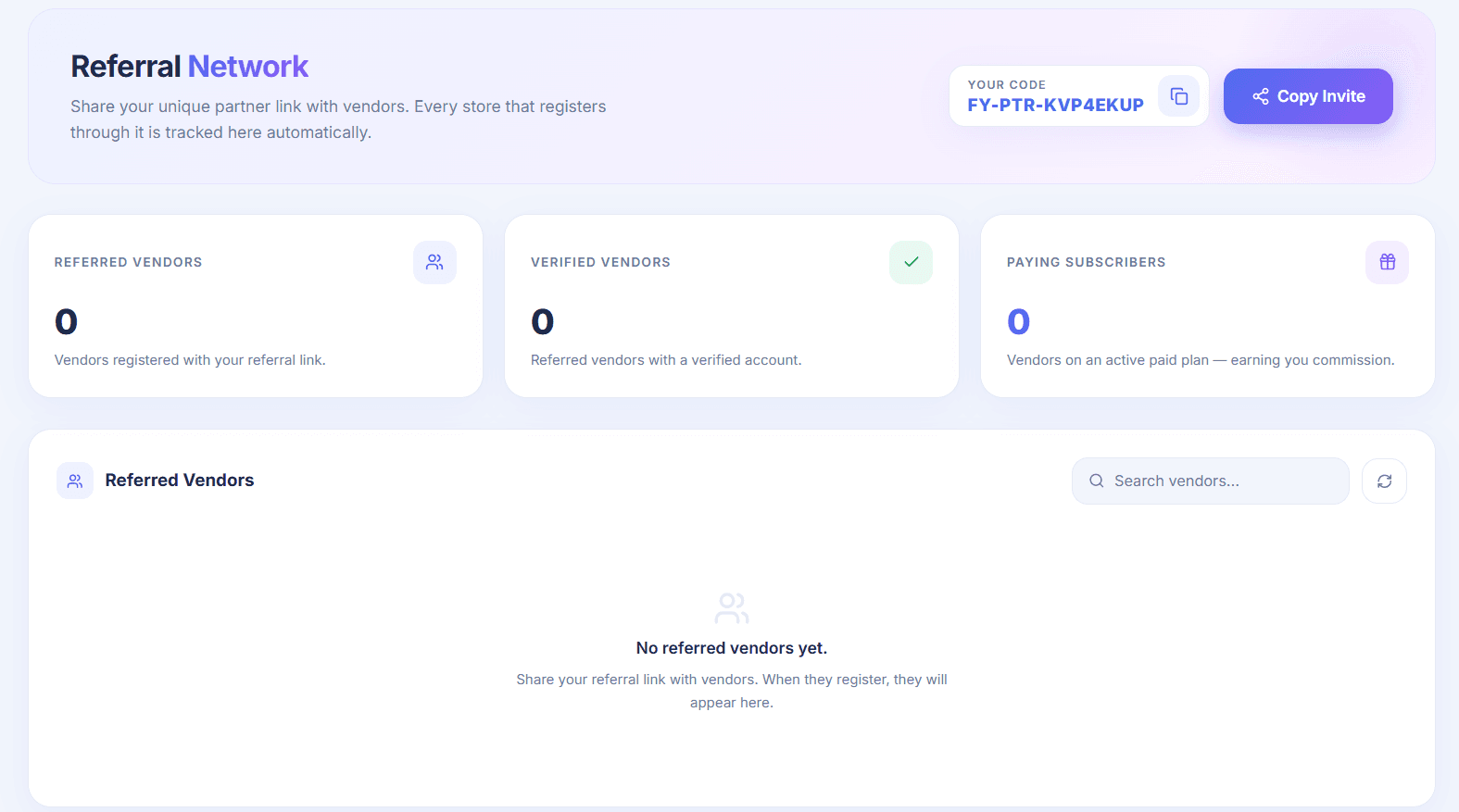
Click the Copy Invite button. Wicofly automatically copies your referral link.
Tip
Your referral link looks similar to:
https://accounts.wicofly.com/signup?referral-code=YOUR-REFERRAL-CODE
https://accounts.wicofly.com/signup?referral-code=YOUR-REFERRAL-CODE
3
Step 3
When Do You Earn Commission?
You earn commission only after your referred vendor completes all required steps.
The vendor registers using your referral link.
The vendor verifies their account.
The vendor completes their store setup.
The vendor subscribes to a paid plan.
Success
Once all of the above steps are completed, the referral becomes commission eligible and your earnings will appear in the Commission section.
Warning
If the vendor only registers, does not verify their account, does not complete the store setup, or does not subscribe to a paid plan, no commission will be generated.
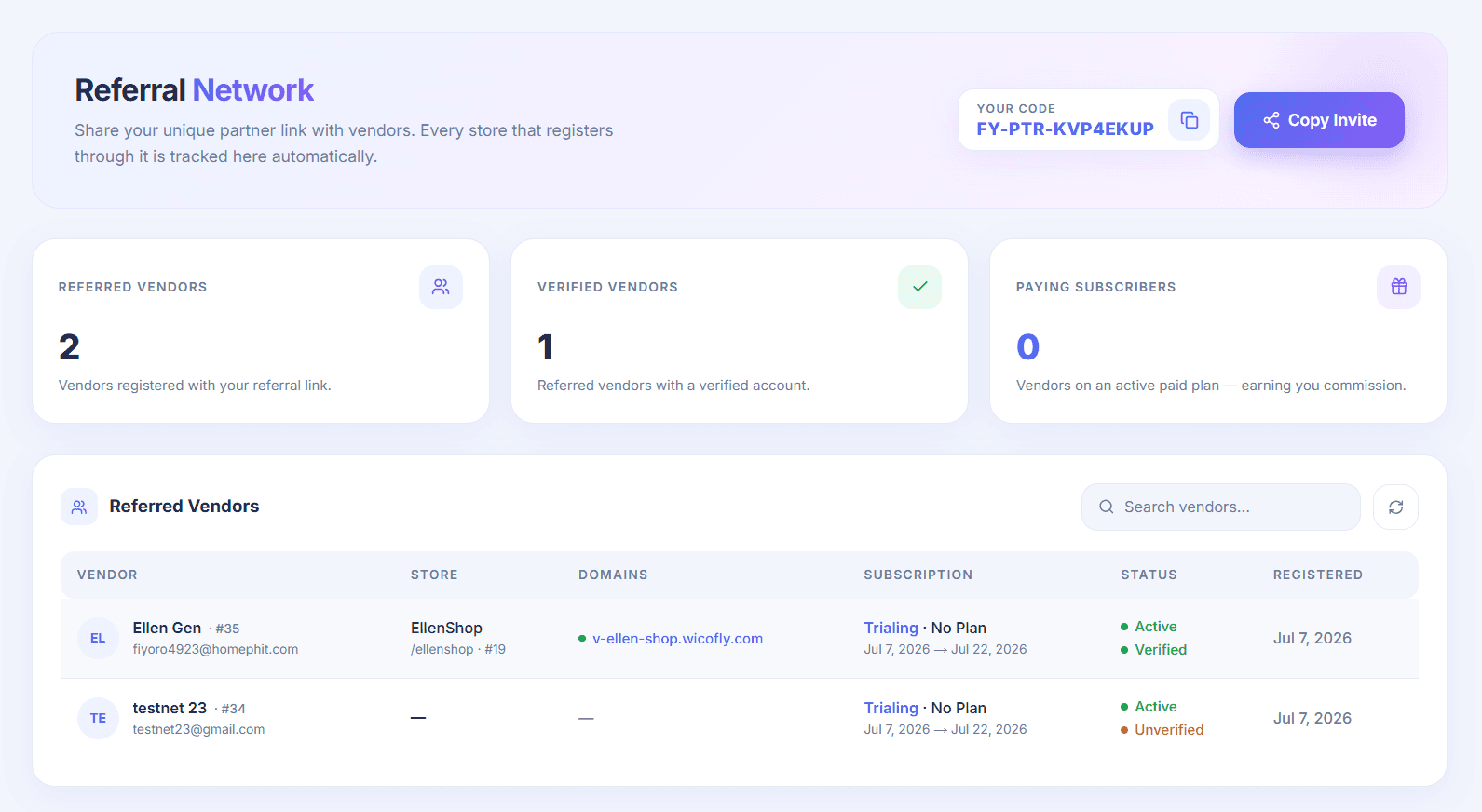
Information
A referral is considered successful only when the vendor has registered through your referral link, verified their account, completed the store setup, and subscribed to a paid plan. Only then will commission be credited to your partner account.