
Partner Login
Sign in to your Wicofly Partner account after it has been approved by the admin.
1
Step 1
Open the Partner Login Page
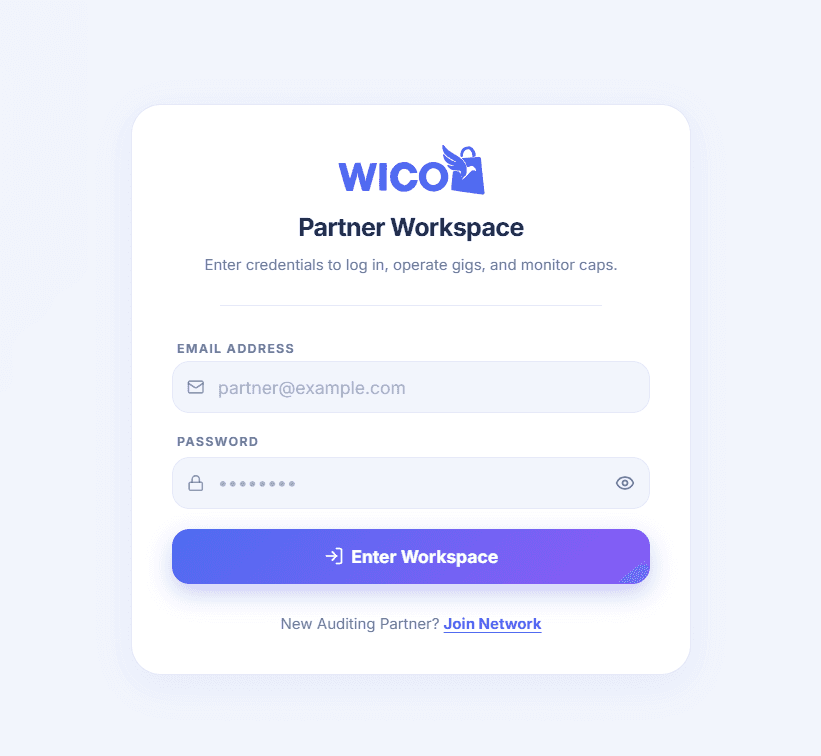
Go to the Partner Login page and enter your registered email address and password.
Information
https://partner.wicofly.com/login
2
Step 2
Sign In
Enter the email address and password you used during registration.
Click Enter Workspace to access your Partner Dashboard.
3
Step 3
Approval
Warning
You can only sign in after your Partner account has been approved by the Wicofly Admin.
If your account is still waiting for approval, you will not be able to log in. Please wait until the admin reviews and approves your registration request.
Once your account is approved, you can sign in and access all Partner features, including your referral code, gigs, commissions, and payout requests.