
Wicofly LogoWICO.

Verify Email

Verify your email address to activate your Wicofly account.

#Verify Your Account

After creating your account, Wicofly will send a verification email to the email address you used during registration.

You must verify your email before you can log in and continue setting up your store.

Information

Please check your inbox after registration. The verification email is usually delivered within a few minutes.

#Verification Steps

1

Step 1

Open Your Email Inbox

Done

Go to your email inbox and look for an email from Wicofly.

2

Step 2

Open the Verification Email

Done

Open the email and read the message. Inside the email, you will see a button called Verify My Account.

3

Step 3

Click 'Verify My Account'

Done

Click the Verify My Account button to confirm your email address.

Success
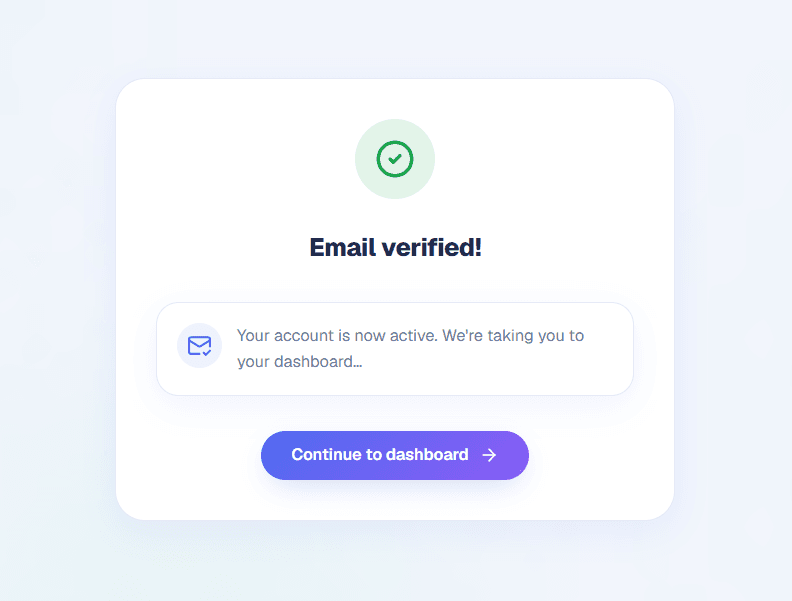
Your account will be verified successfully.
Wicofly Email Verification Successful
Email Verification Successful
4

Step 4

Continue to Store Setup

Done

After verification, your account will be activated. You can log in and continue to the Store Setup page to create your first store.

Email verified
Account activated
Login available
Continue to Store Setup

#Resend Verification Email

Information

If you did not receive the verification email, you can request a new one by clicking the Resend Email button on the verification page.

Click this button to receive a new verification email.
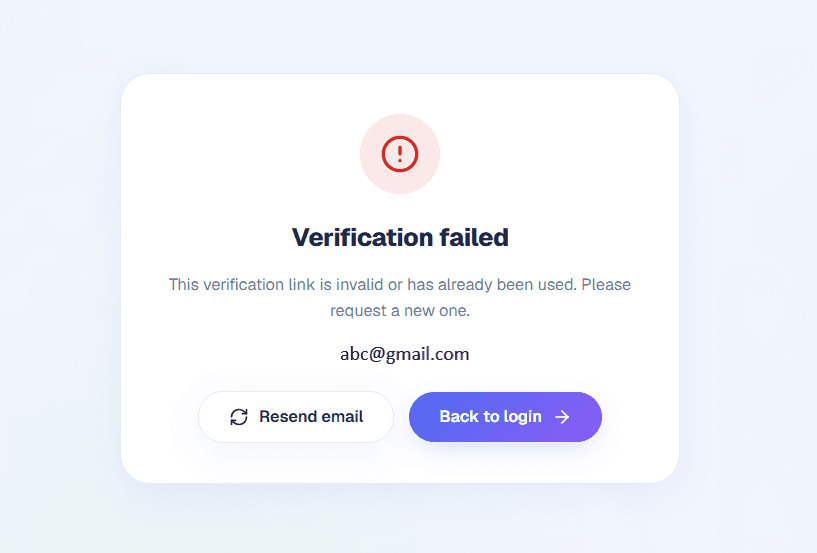
Wicofly Resend Verification Email
Click the Resend Email button to receive a new verification email.

Warning

Verification links expire after 48 hours. If your link has expired, simply click Resend Email to receive a new verification email.

#Why Verification Can Fail

The verification link has expired (after 48 hours).
You clicked an old verification email.
The email was already verified.
The verification link is incomplete or invalid.

Tip

Always use the latest verification email. If you request a new one, use the newest Verify My Account button instead of an older email.

#Didn't Receive the Email?

If you cannot find the verification email, try the following:

Check your Spam or Junk folder.
Make sure you entered the correct email address.
Wait a few minutes and check again.
Request a new verification email if needed.

Tip

Use the same email address that you used during registration.