
Getting Started 1 min read·3 Steps
Login to Your Dashboard
Access your Wicofly merchant control center to manage your store.
0 of 3 steps completed
1
Step 1Browser Bar
Open accounts.wicofly.com/login.
Bookmark this address so you can quickly return to manage orders and inventory.
accounts.wicofly.com/dashboard
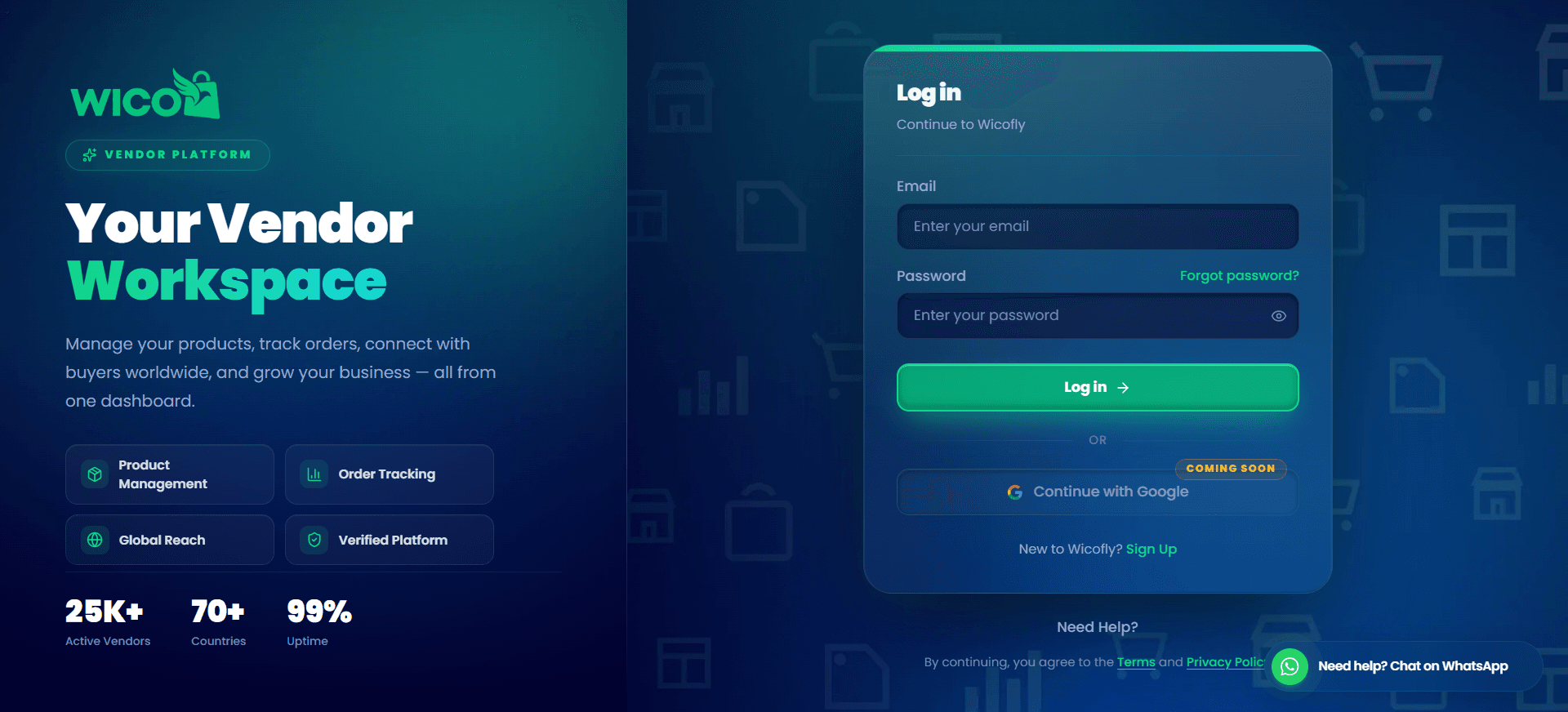
Open login URL
2
Step 2Login Form
Enter your registered email address and password.
If you forgot your password, click the "Forgot Password?" link below the password field.
accounts.wicofly.com/dashboard
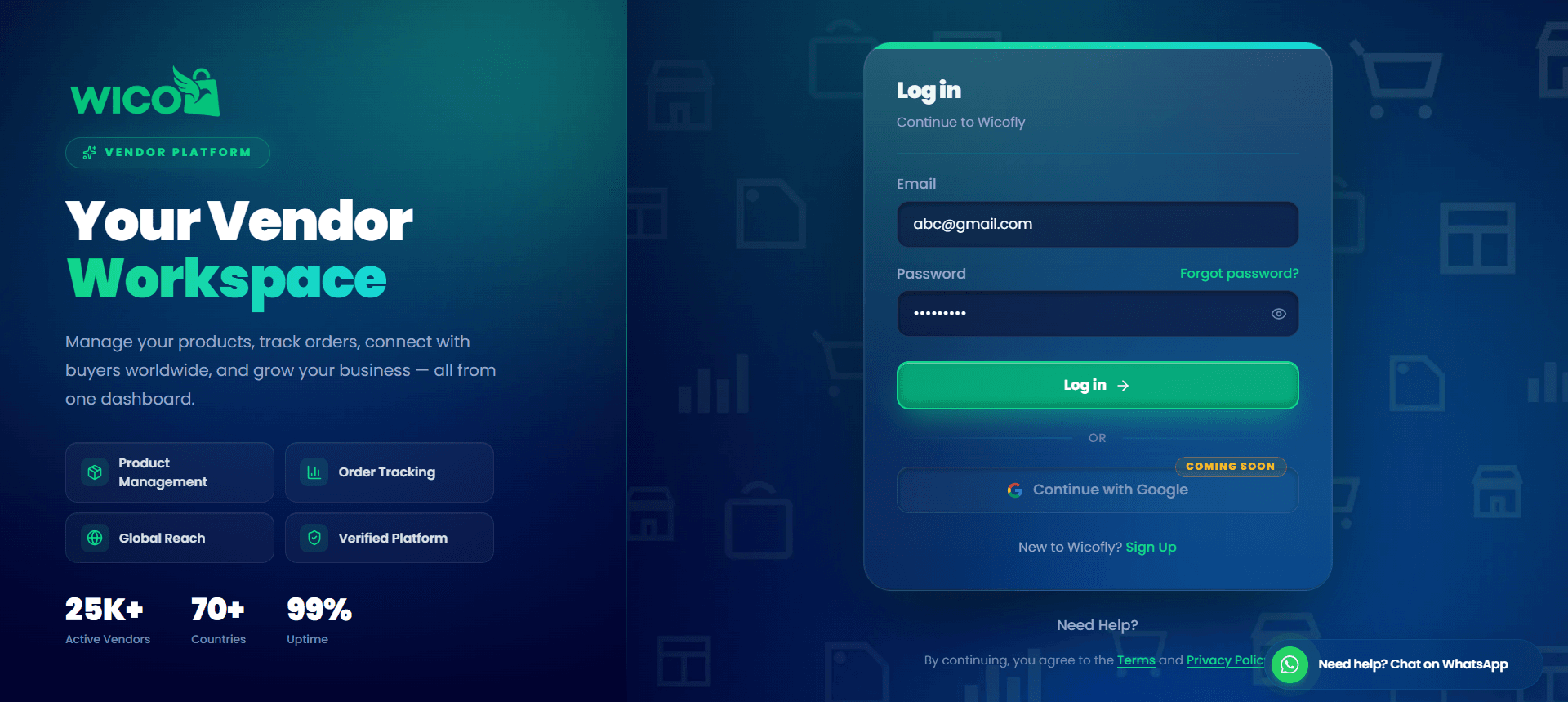
Fill email & password
3
Step 3Sign In Button
Click the "Sign In" button to enter your dashboard.
You will land directly on your store overview with real-time sales and inventory shortcuts.
accounts.wicofly.com/dashboard
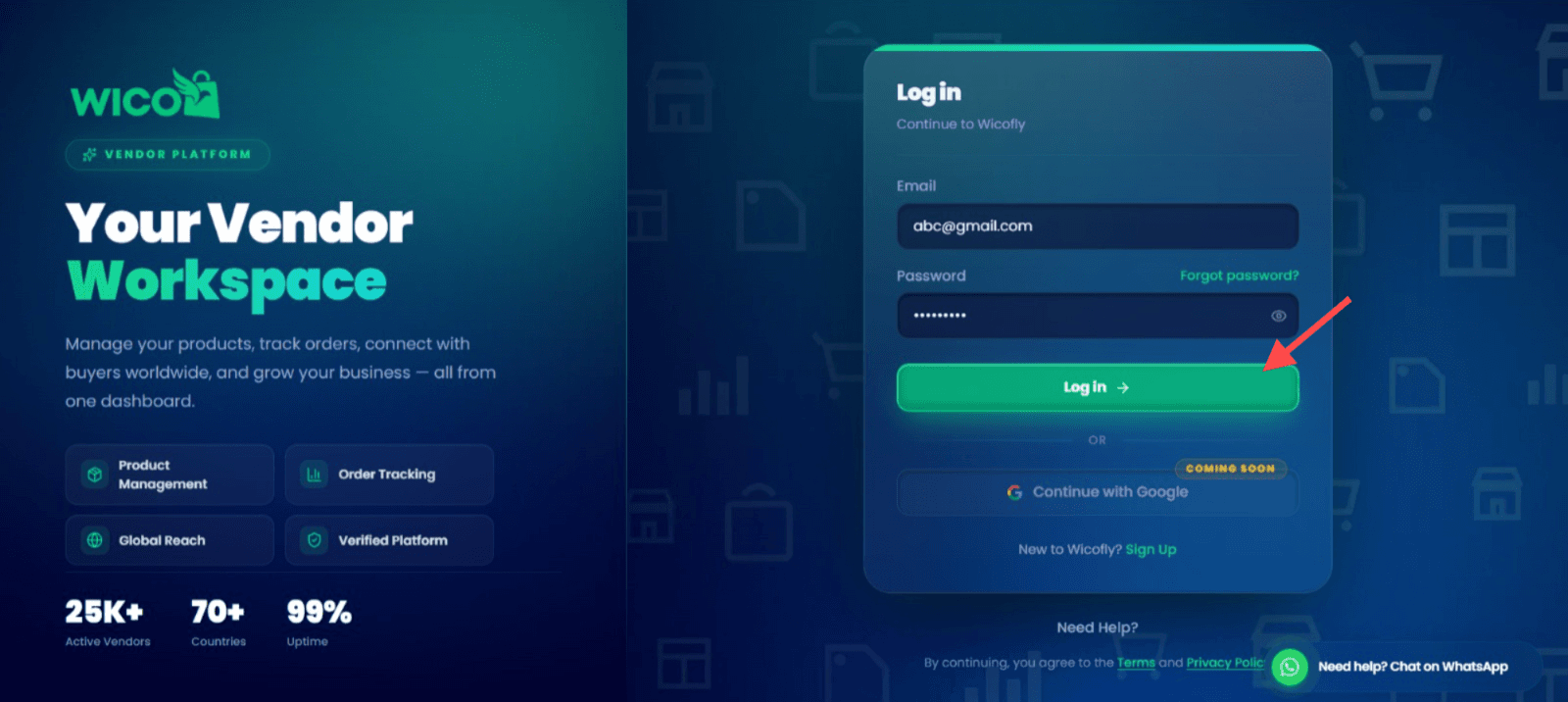
Click Sign In
That's it!
Your login to your dashboard task has been configured successfully. Your Wicofly store is updated.
Related Helps
getting started
Create Your Account
Sign up for a new Wicofly vendor account using your email and password.
4 stepsRead
getting started
Reset Your Password
Forgot your password? Verify via email OTP and set a new password securely.
6 stepsRead
getting started
Create Your Online Store
Fill in your store details and launch your free Wicofly storefront instantly.
3 stepsRead