
Create Your Account
Sign up for a new Wicofly vendor account using your email and password.
Go to accounts.wicofly.com/signup in your browser.
You can also click "Start for free" from the top navigation on wicofly.com.
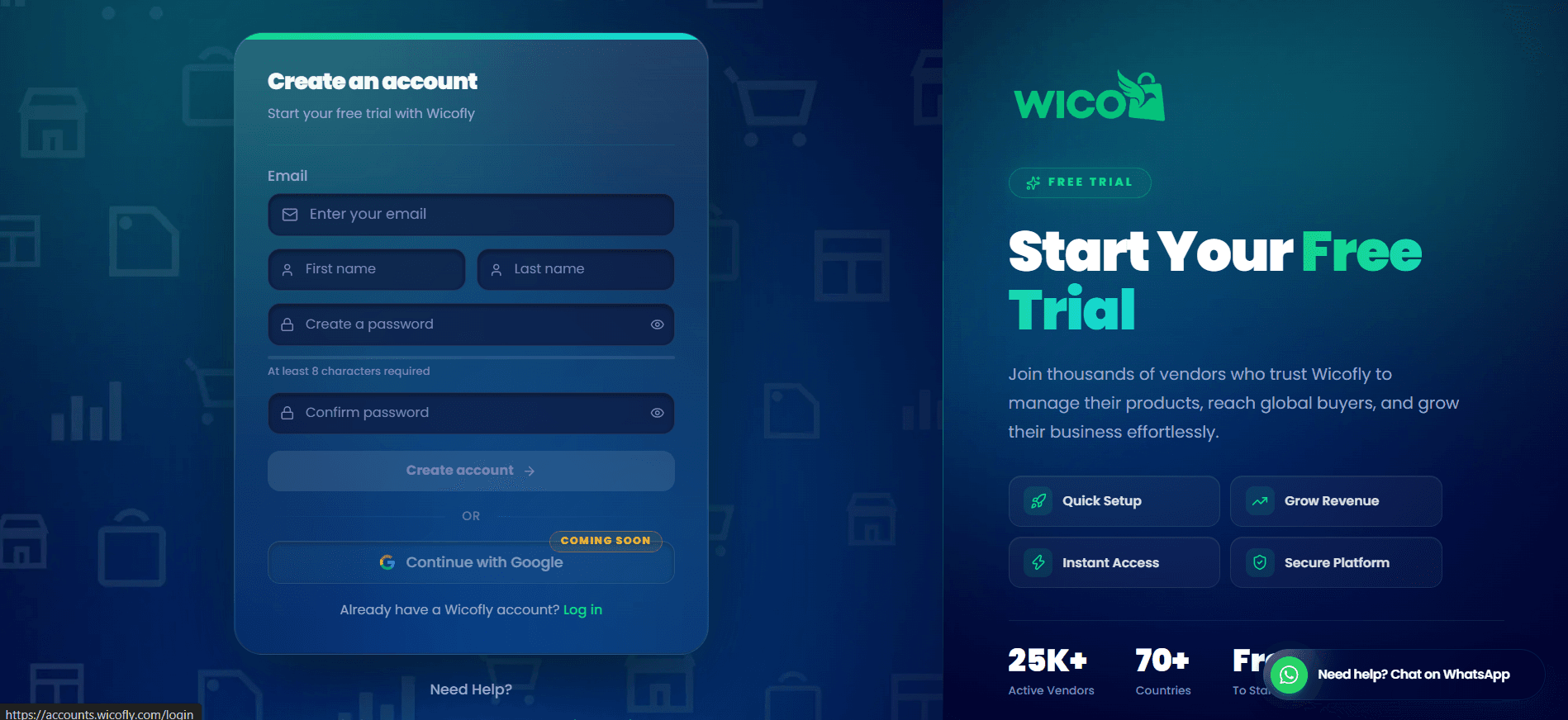
Enter your full name, email address, and a secure password.
Ensure your email is active as you will receive important order and security notifications.
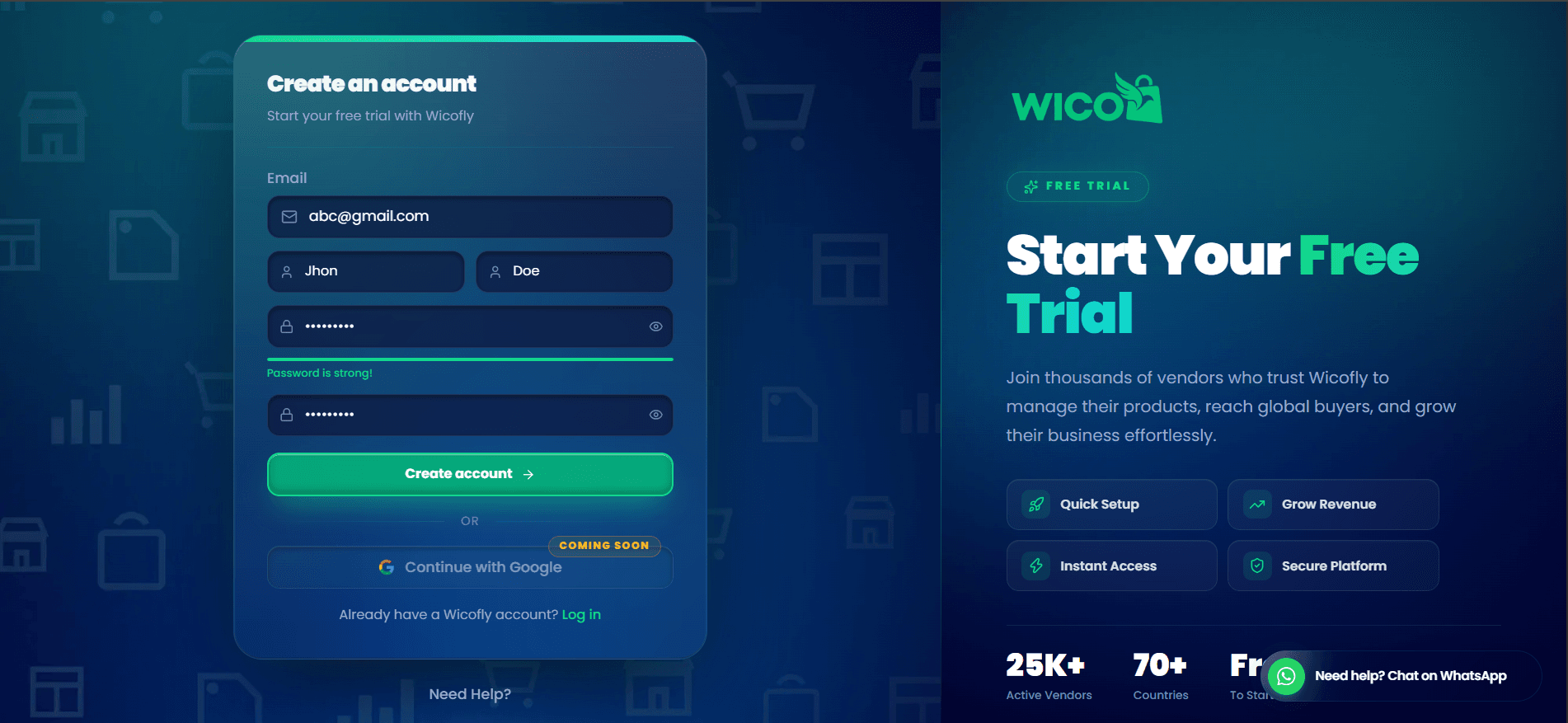
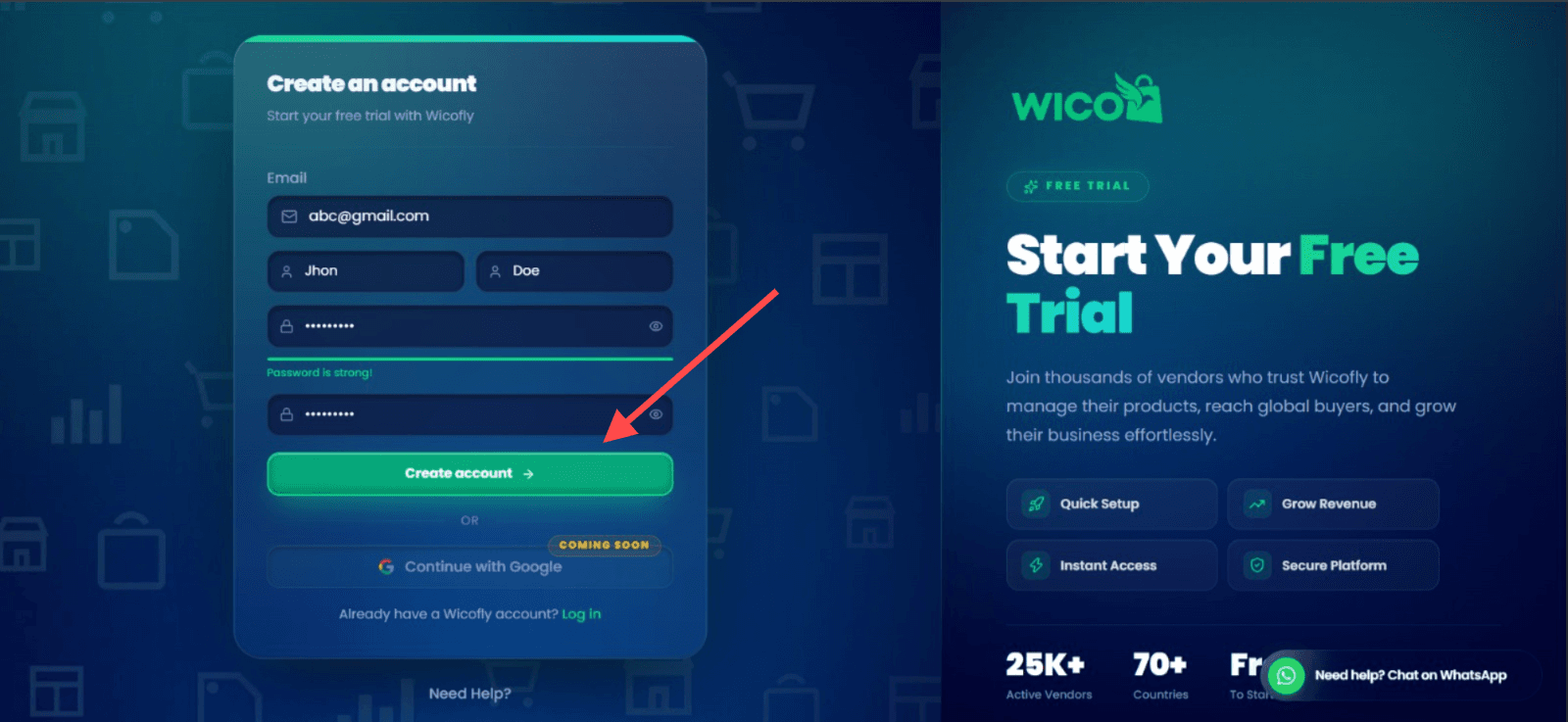
Click on the "Create Account" button.
Your free trial begins immediately without requiring a credit card.
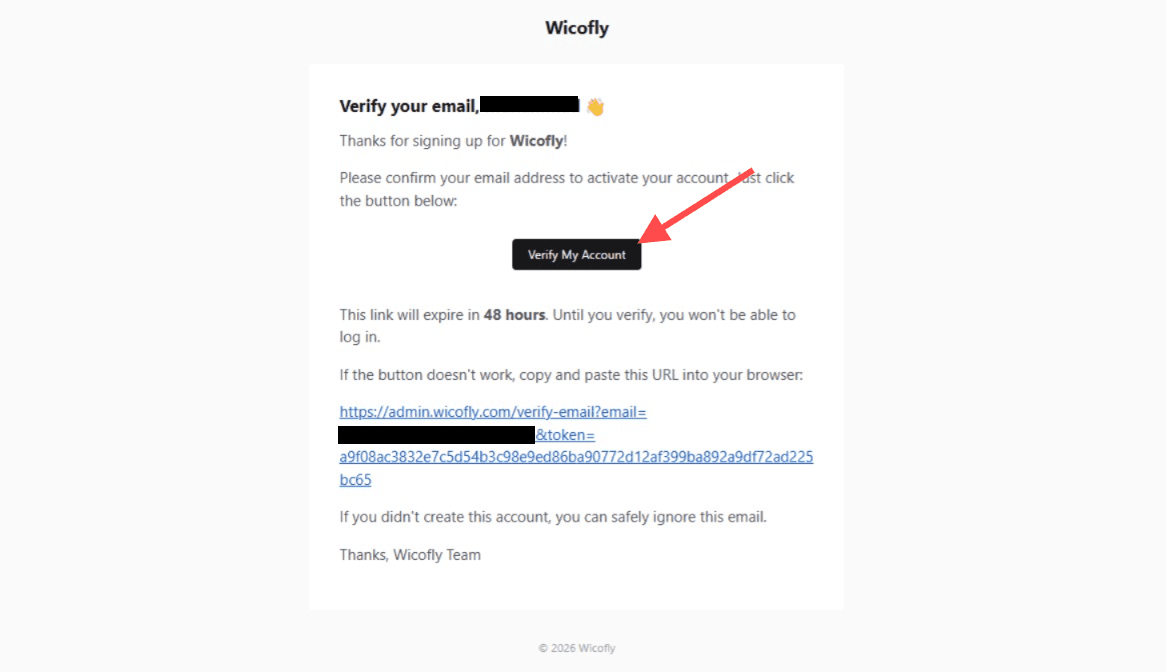
Verify your email via the confirmation link sent to your inbox.
Check your spam or promotions folder if you do not see the confirmation email within 60 seconds.
That's it!
Your create your account task has been configured successfully. Your Wicofly store is updated.
Related Helps
Login to Your Dashboard
Access your Wicofly merchant control center to manage your store.
Reset Your Password
Forgot your password? Verify via email OTP and set a new password securely.
Create Your Online Store
Fill in your store details and launch your free Wicofly storefront instantly.
Manage User Settings
Update your personal profile information, avatar, phone number, country, and account password.