
Forgot Password
Reset your account password if you can't log in.
#Reset Your Password
If you forgot your password, you can easily create a new one using your registered email address.
Information
Make sure you use the same email address that you used when creating your Wicofly account.
1
Step 1
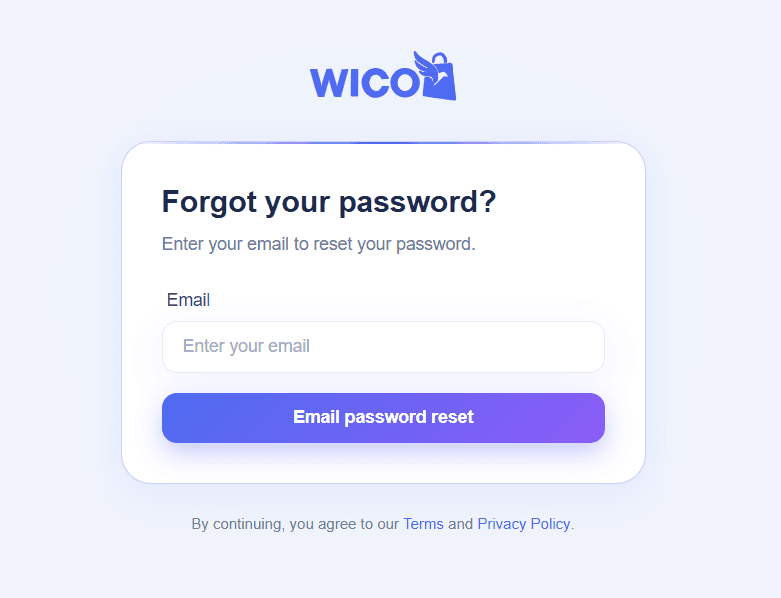
Enter Your Email
Enter your registered email address.
Click the Reset Password button.
2
Step 2
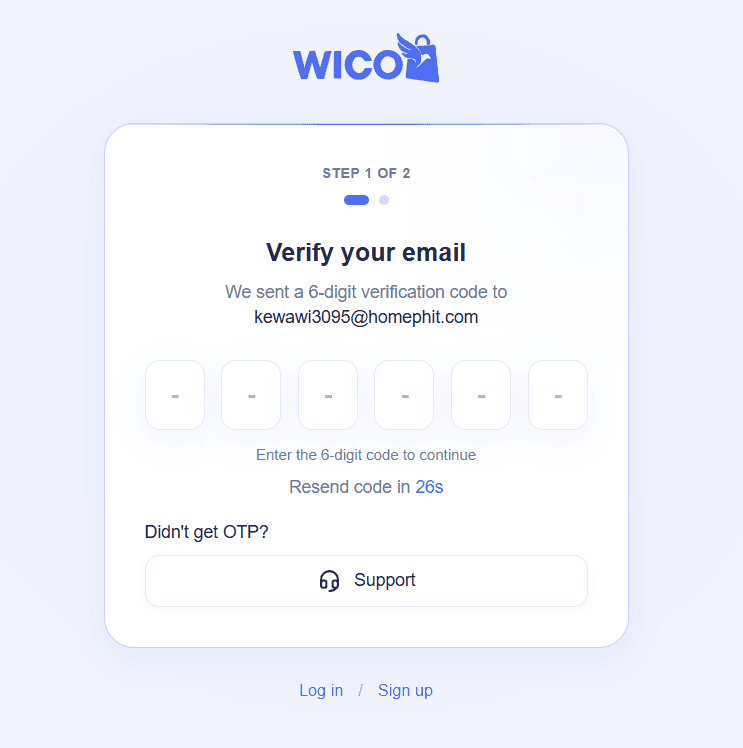
Verify the OTP
A verification code (OTP) will be sent to your email address.
Enter the OTP in the verification form to continue.
Tip
Didn't receive the OTP? Wait for 30 seconds, then click Resend OTP.
3
Step 3
Create a New Password
After your OTP is verified, the new password form will appear.
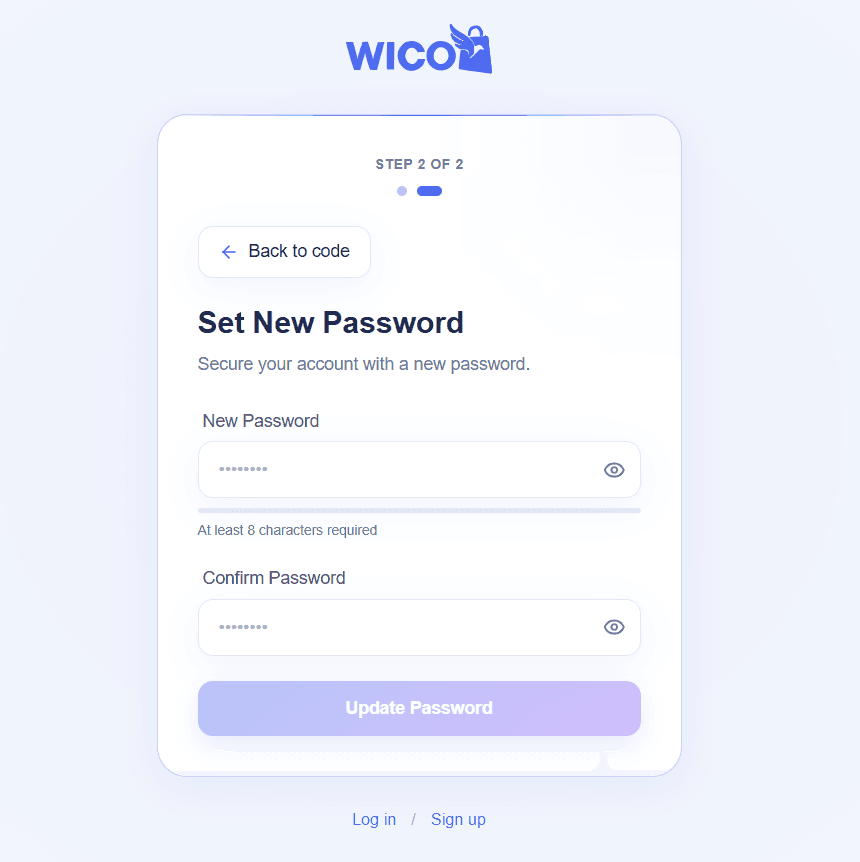
Fill in the following fields:
- • New Password
- • Confirm Password
Click the Update Password button to save your new password.
Success
Your password has been updated successfully. You can now log in with your new password.